Tools you can try in your browser.
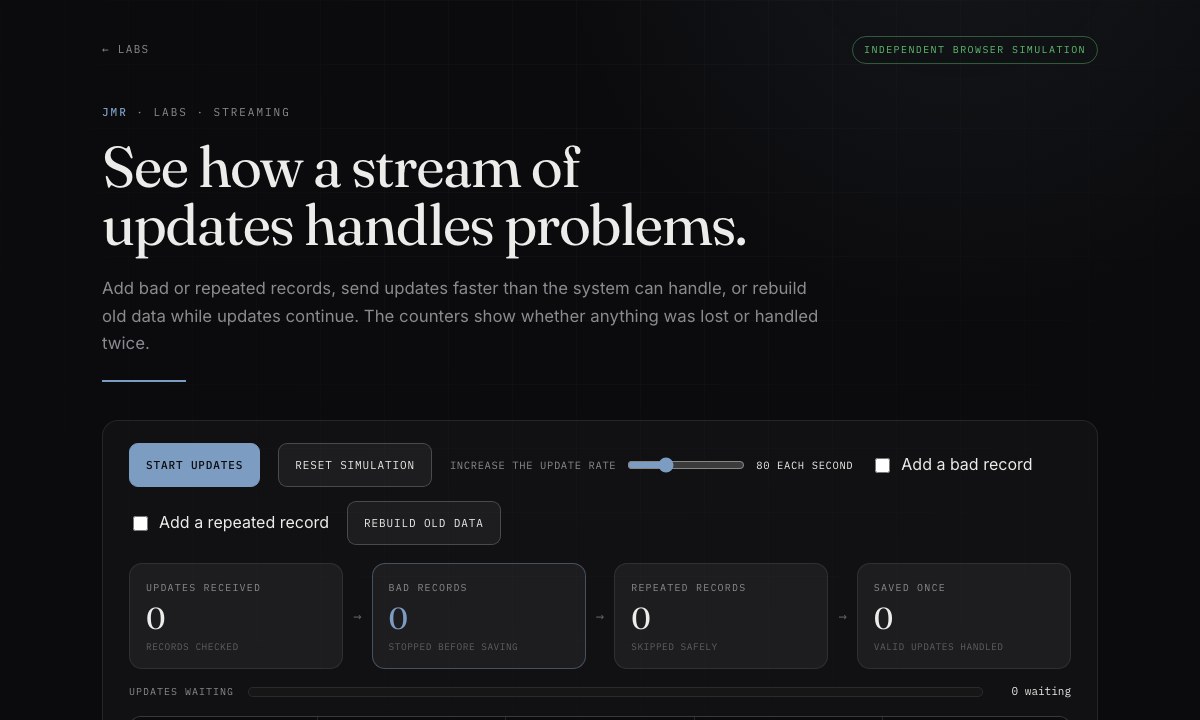
These small tools let you explore data, test ideas, and see how each result was produced. Most use public or generated data. Files you add stay on your device; the London status demo connects to TfL for live updates.
File workbench
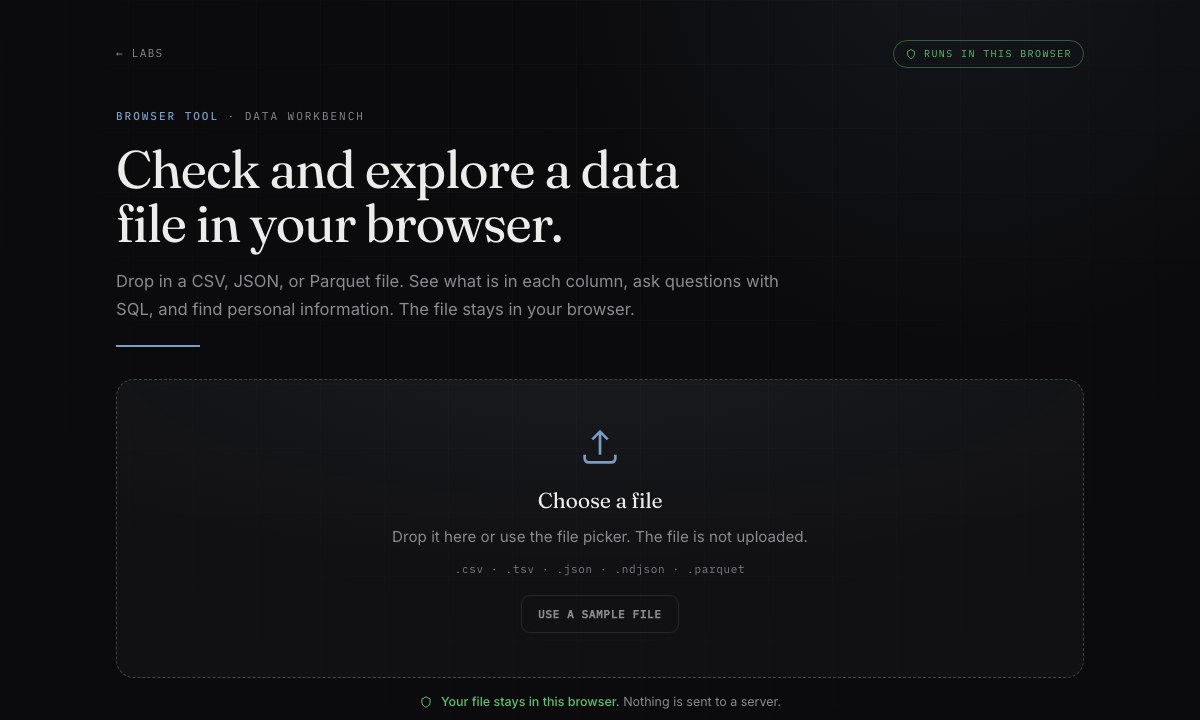
Open toolAdd a CSV, JSON, or Parquet file to inspect its columns and check for personal information. You can also use SQL, a language for asking structured questions of data, and export a safer copy. Nothing is uploaded.
Data profiler
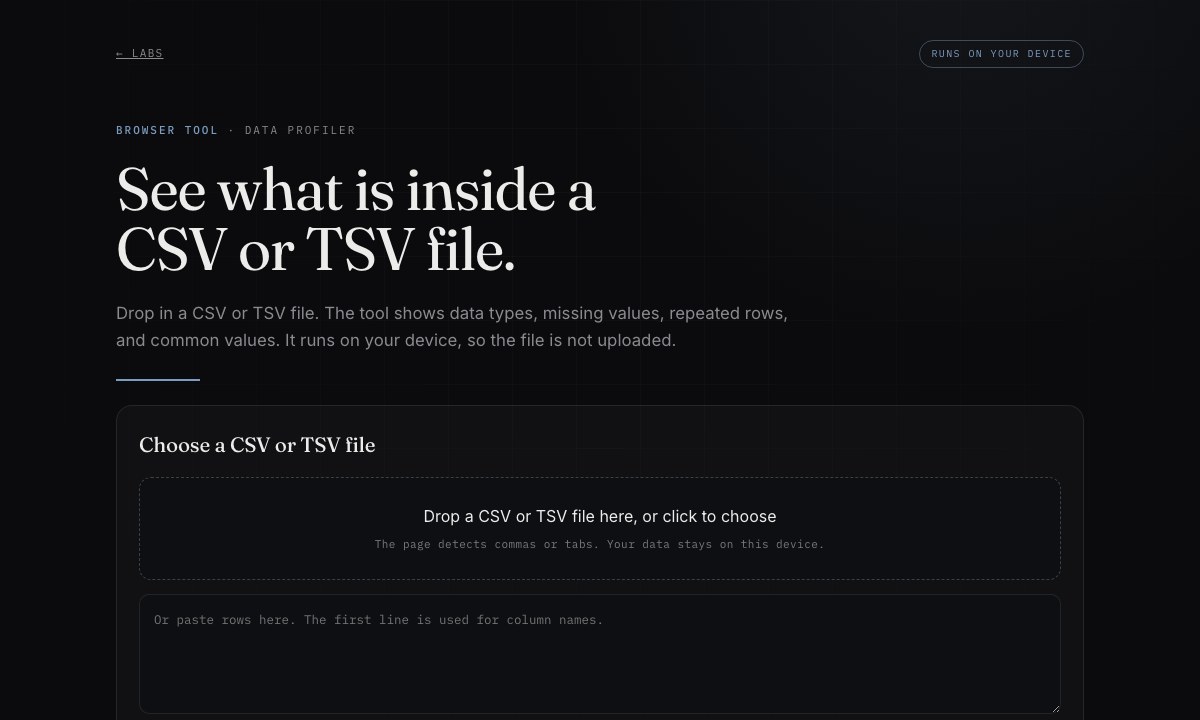
Open toolAdd a CSV or TSV file to count missing values, distinct values, and repeated rows. The checking engine uses WebAssembly, which lets compiled code run quickly in your browser.
Public transport stop explorer
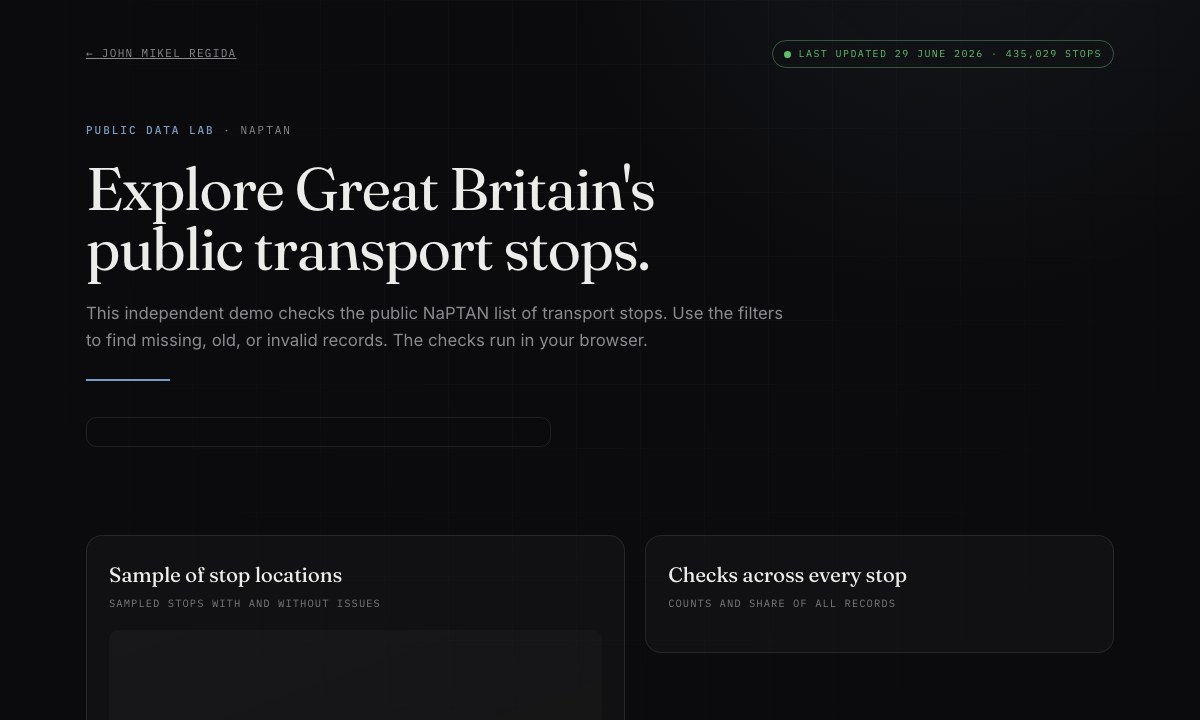
Open toolExplore Great Britain's public list of transport stops. Filter the full dataset to find records with missing locations, old updates, or inactive status.

Similar-value finder
Open toolPaste a list to group entries with similar meaning and flag unusual ones. An embedding turns each value into numbers that can be compared, and it runs on your device.
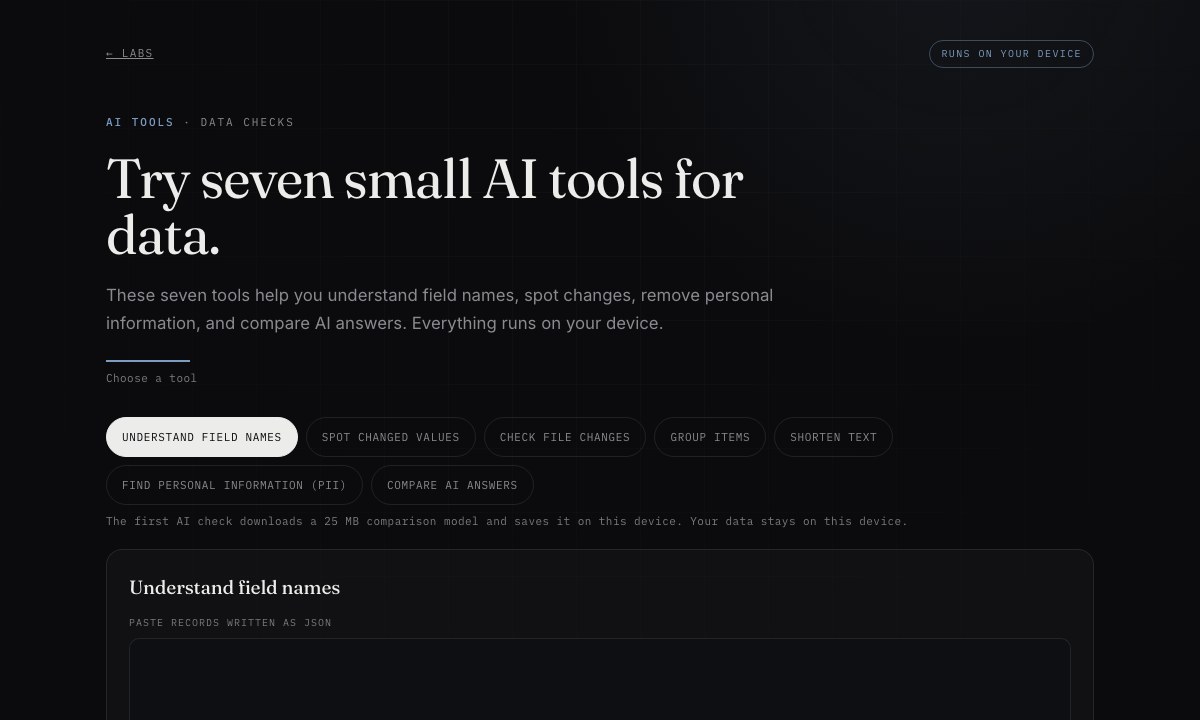
Data quality toolkit
Open toolTry seven small checks for changes in structure, unclear labels, personal information, and model results. Each check runs in the browser.
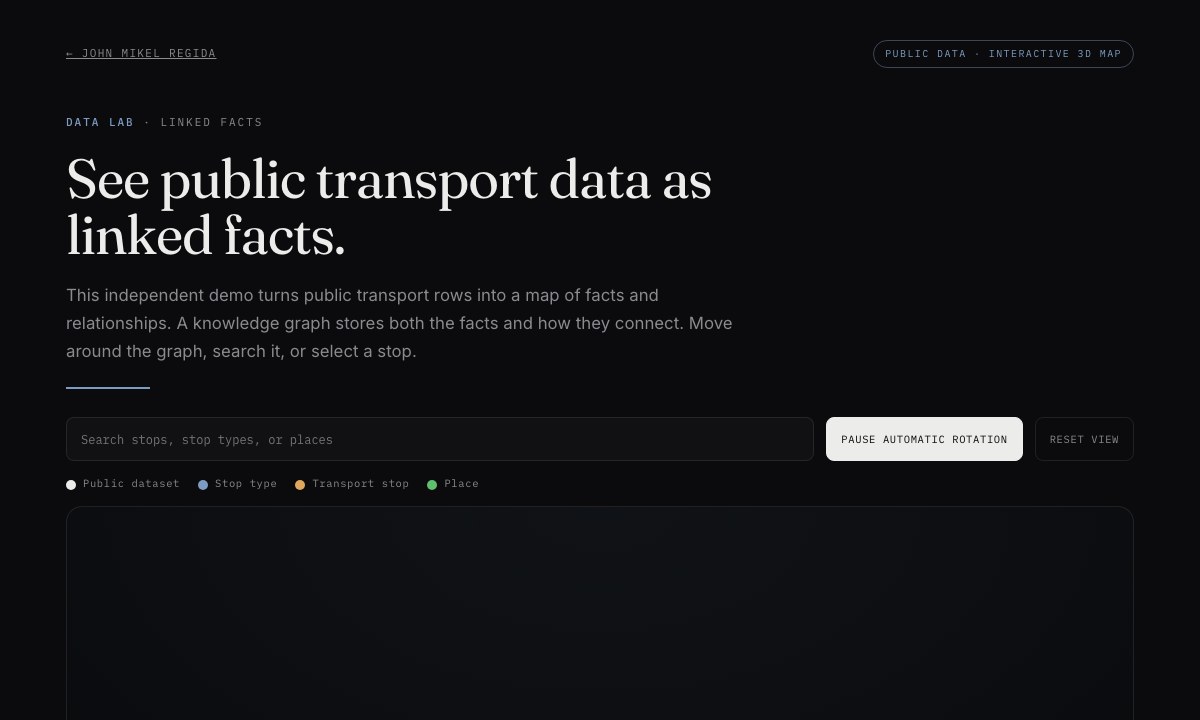
Linked-fact map
Open toolExplore transport stops as a 3D knowledge graph, a map that stores facts and the relationships between them. Search, move around, or select an item.
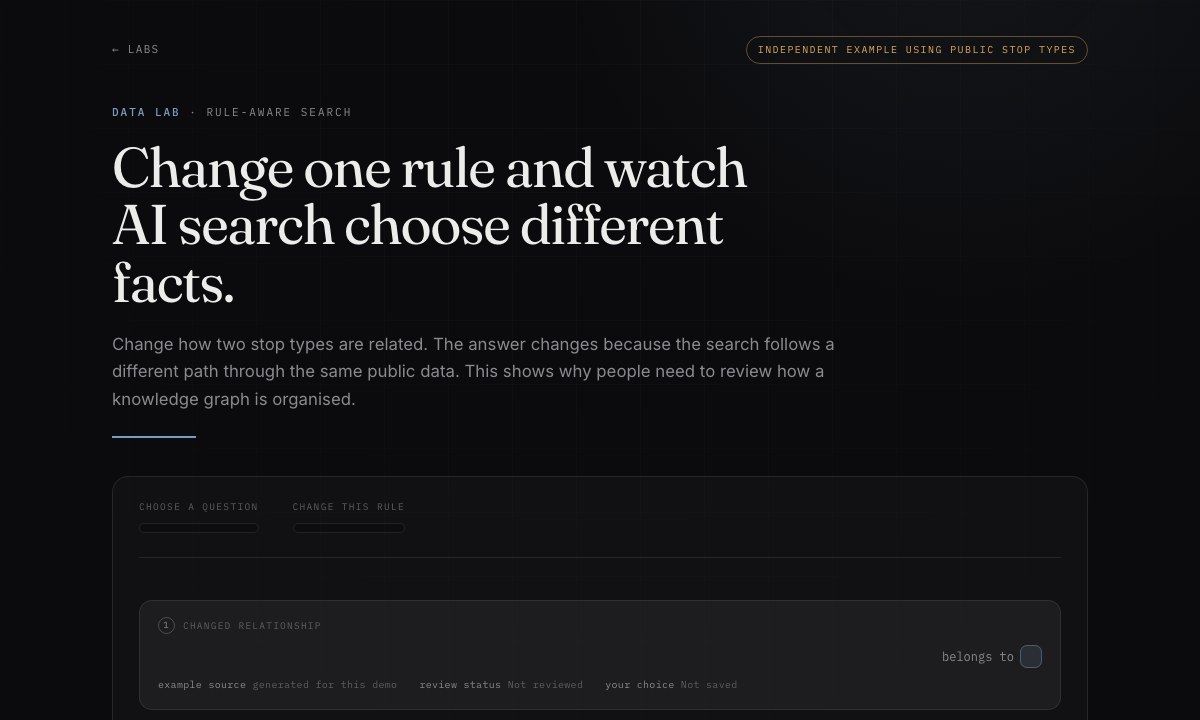
Rule-aware search
Open toolChange how two stop types are related and see why an AI search uses different facts. The data stays the same; only the route through the linked facts changes.
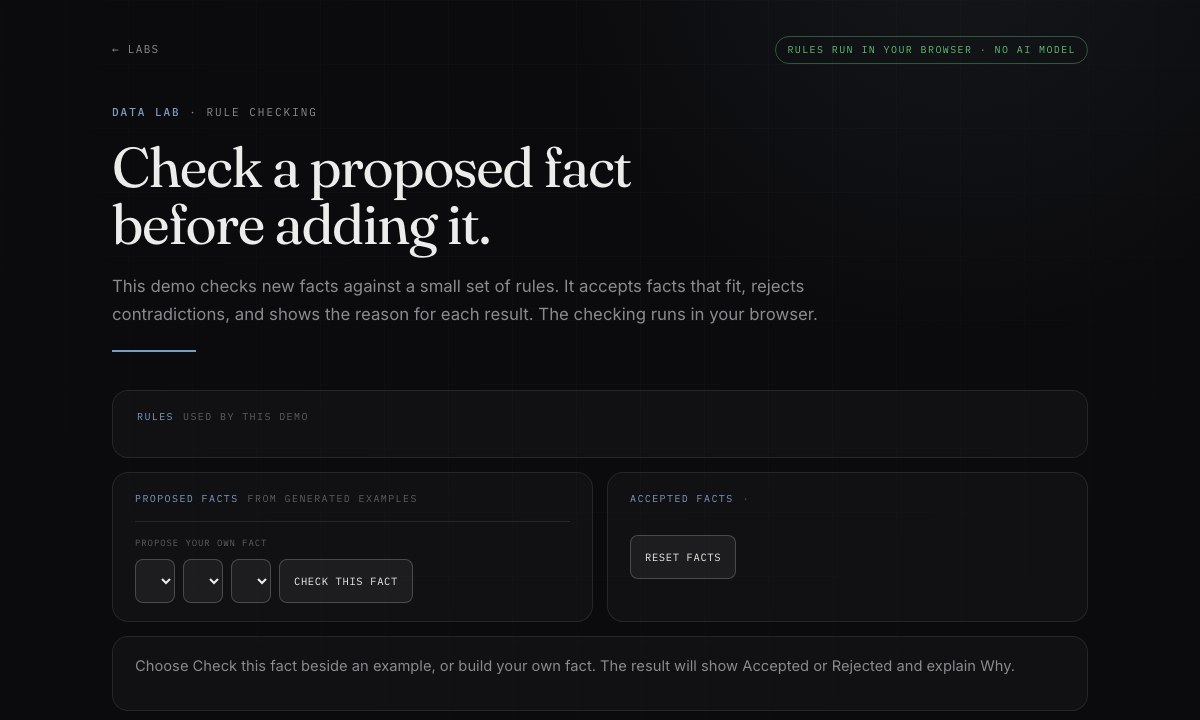
Fact checker
Open toolPropose a fact and check it against a small set of rules. The tool accepts facts that fit, rejects contradictions, and explains why.
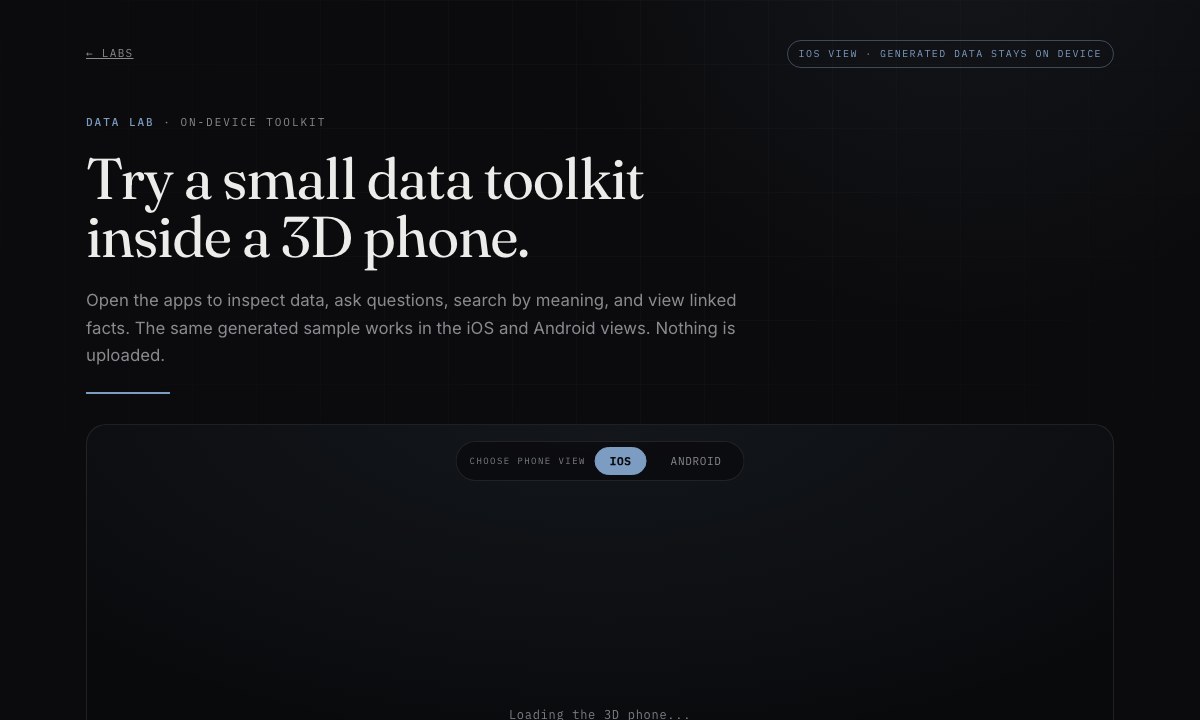
3D phone toolkit
Open toolOpen apps inside a 3D phone to inspect generated data, ask questions, search by meaning, and view linked facts. The tools run in the browser.
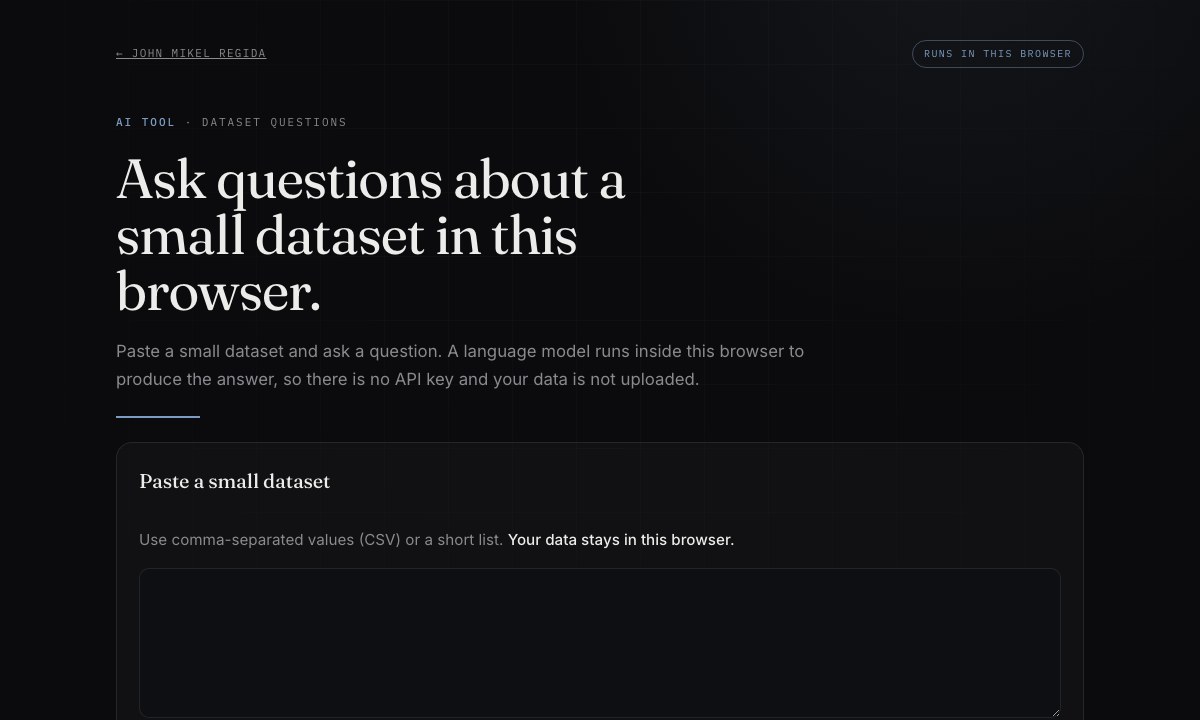
Data question tool
Open toolAsk questions about sample data with a small language model, software that produces text from a prompt. It runs in your browser and does not upload the data.
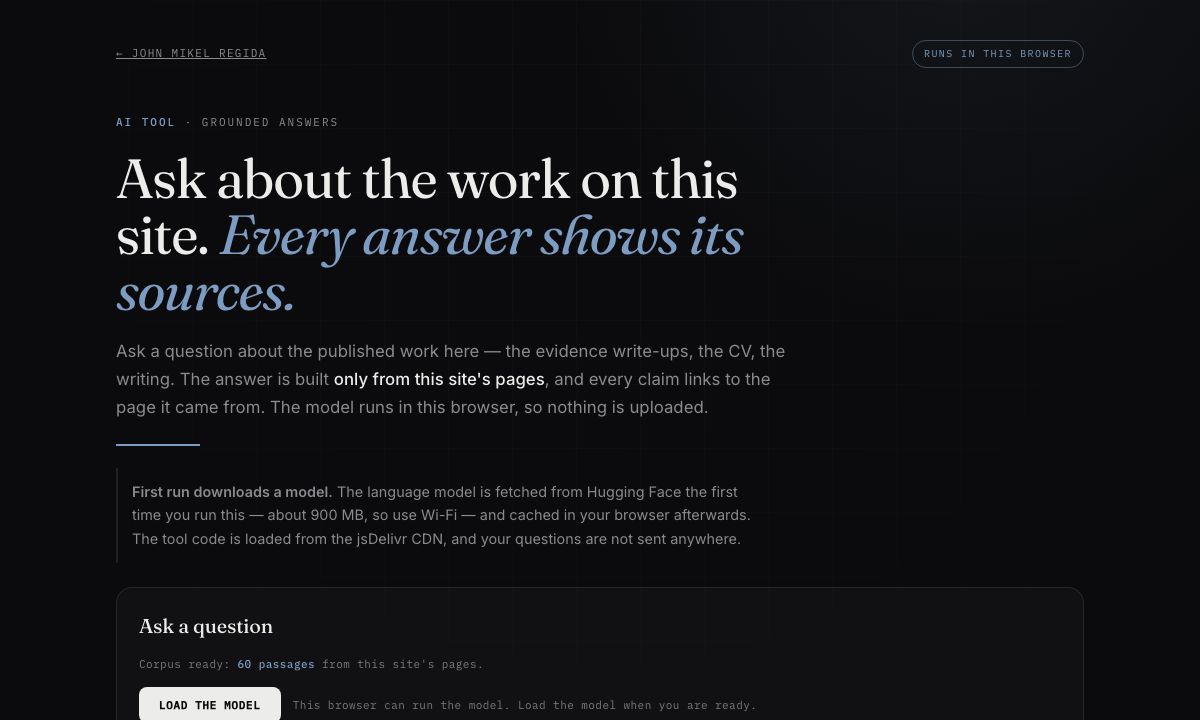
Ask my portfolio
Open toolAsk questions about the published work on this site. The answer is built from the site's own pages in your browser, and every claim links to its source.
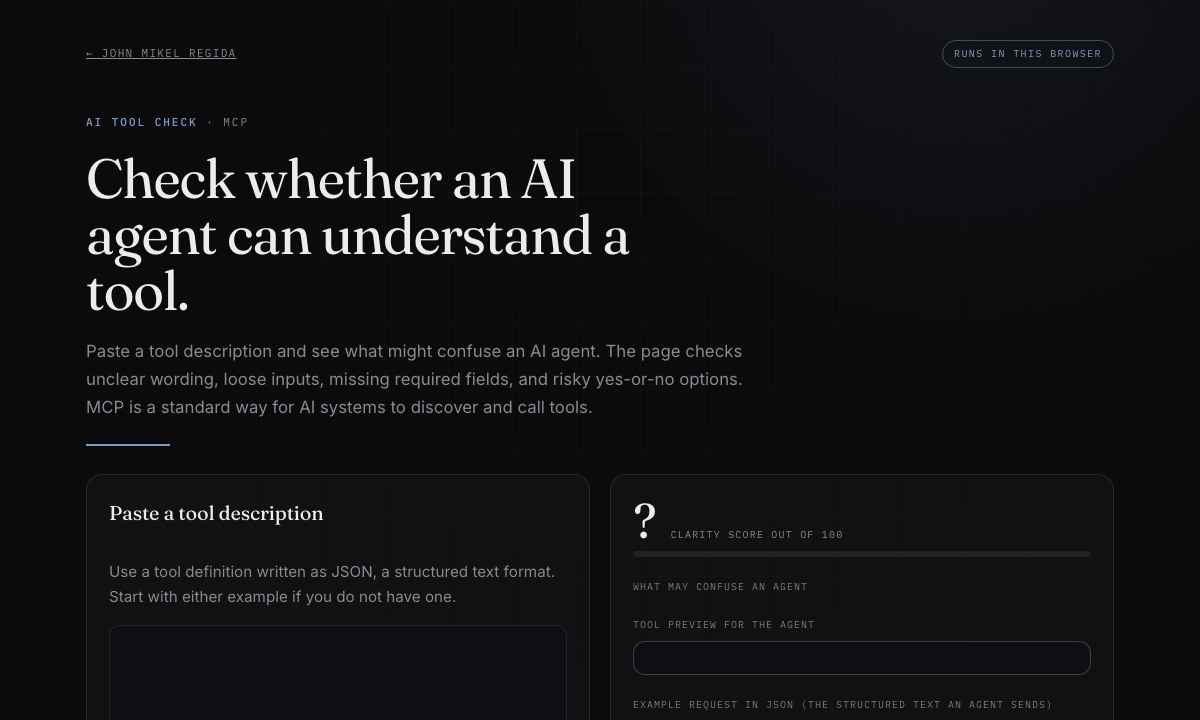
Agent tool checker
Open toolCheck whether an AI agent tool description is clear and complete. Preview how the tool will appear and see an example request.
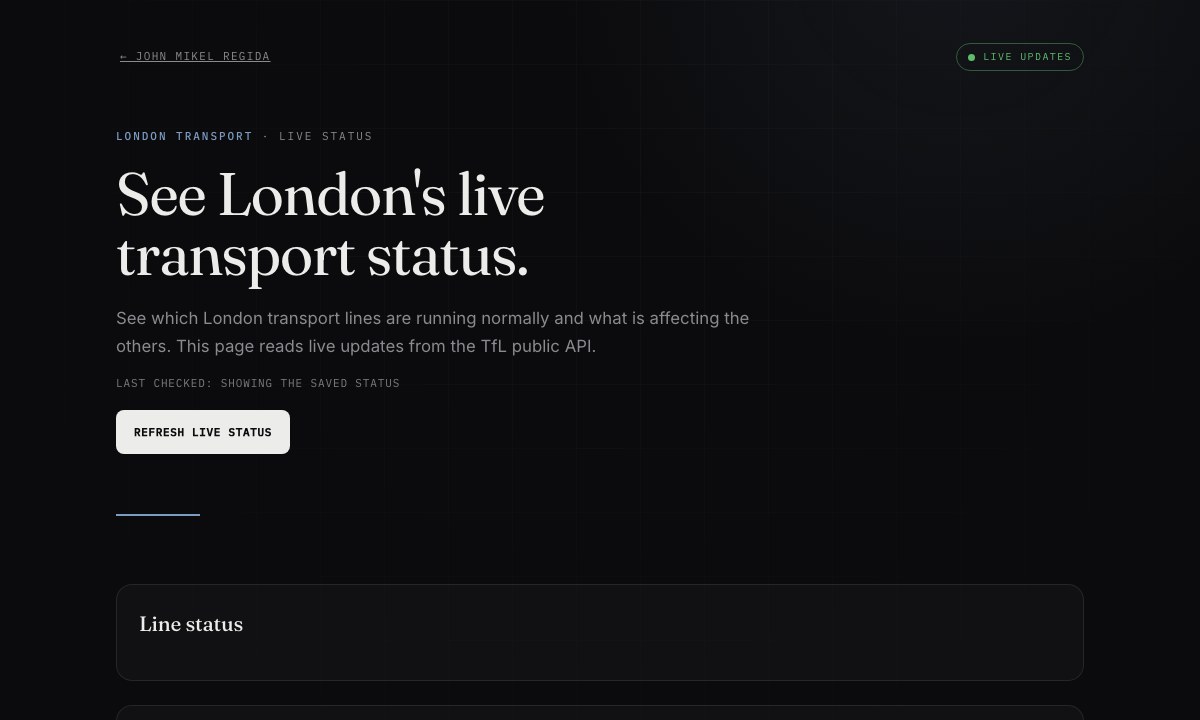
London line status
Open toolSee current status for Underground, Overground, Elizabeth line, DLR, and tram services. This tool connects to TfL's public service for live updates.